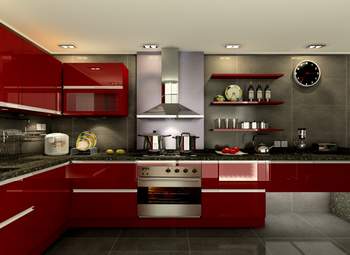
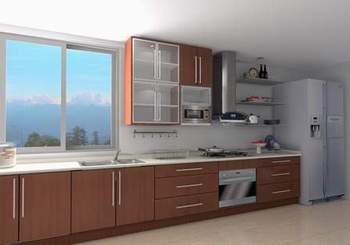
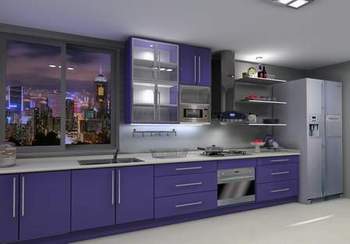
An Innovative
Way to Sell & Design Kitchen Cabinet
created by KD Max
KD
Max 6.0 is an easy-to-operate sales and kitchen design
system software made specifically for the kitchen cabinet industry.
It is created for salespersons of kitchen cabinets to impress
clients and to ease their daily sales and design works. Users
of KD Max need not to have proficient computer knowledge, a one-day
training is more than enough for general users.
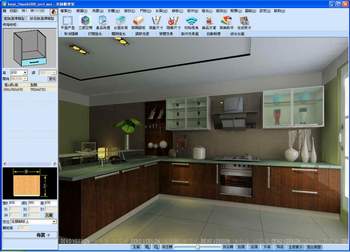
With the use of KD Max, your salesperson / designers can create
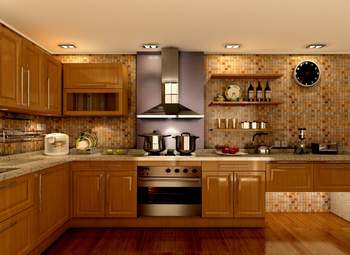
a "virtual" kitchen in about 10 minutes, including "real"
photos in any angle, quotation (or cost estimate), and working
drawings. As the ideal kitchen is presented clearly, misunderstanding
between your staff members and clients during any stages of design
process can be minimized.
Simply get the basic kitchen size and layout from
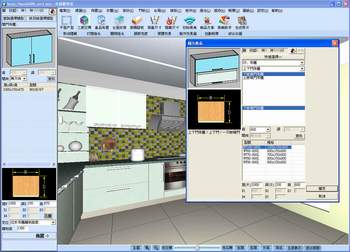
your clients and start immediately designing the kitchen by selecting
numerous built-in collection of cabinets and kitchen equipment.
Replace and change any cabinets, styles, and accessories in seconds
if you clients change their minds for the design. Within about
10 minutes, the whole kitchen designed from scratch is ready for
presentation. After final modification you can prepare the quotation
and output the working drawings in standard DWG format to manufacturer
by some mouse clicks (including individual plan and different
sides of elevation drawings).
KD
Max comes with
rendering tool and series of kitchen library. It just requires
running on Windows® platform. In addition, a software
of BtoCAD is included
in KD Max for automatic generation of working drawings after placing
all cabinets. All dimensions on working drawings are automatically
built and you can add any labels and remarks as you like.
** The use and
file format of BtoCAD
is similar to that of AutoCAD LT® that you can create
any 2D working drawings.
~ Create rendered photos, quotation, and working drawings
in one go (individual plan and elevation views)
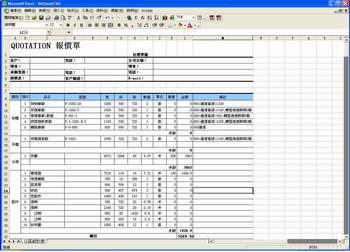
~ Set you cost estimate in manual mode or automatic
mode according the use of material and cabinet, and export the details
to MS Excel for further modification as you need
~ Outline the shape of kitchen with any columns and
beams easily as well as build any water pipes to meet the actual
needs
~ Provide different built-in templates of kitchen
style for direct selection
~ Include numerous selection of kitchen cabinets,
doors, handles, and equipment and size can be set as you need
~ Library includes various types of sinks, range hoods,
cookware, culinary utensils, taps, washing machines, refrigerators,
lighting equipment, decorative items, etc.
~ Click one icon for making worktops, countertop,
cabinet stands, toekick, etc. automatically with your selected style
~ Add any of your own material in jpg format and change
the texture and color of your kitchen design that compliments your
clients' cabinetry, floor, wallpaper or paint selection by a drag-and-drop
method
~ Adopt the 5th generation of virtual reality technology
for rendered pictures at the photo quality
~ Run on Windows® platform only for
a complete system
Steps:
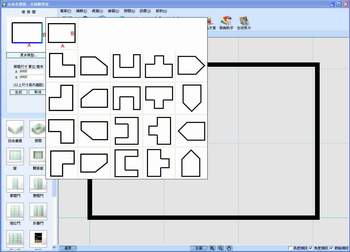
1. Create the shape of kitchen with door and window
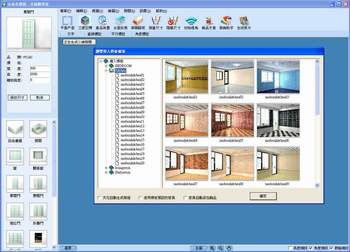
2. Select a decoration style template
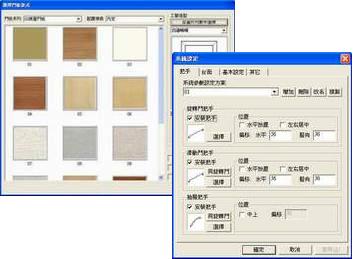
3. Define door type, handle style, and related settings, etc.
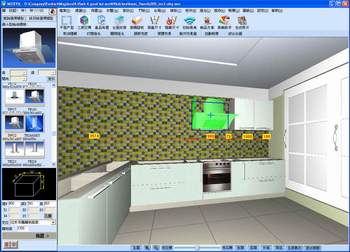
4. Insert cabinet and accessories in 3D scene
5. Change the size and cabinet type
6. View the dream kitchen in minutes and change the color scheme
in some seconds
7. Check the quote immediately (optionally export to MS Excel
for modification)
8. Create DWG working drawing in a second (select different views)
Change the use of texture / color scheme in
seconds
Recommended Requirements:
~ Windows® XP / Vista / 7 / 8 / 8.1 / 10 (32 or 64 bit)
~ Intel® Duo CoreTM or above (CPU i5 / i7 with 4 cores or above is preferred for Photon Render)
~ 4 GB RAM or above
~ Geforce independent display card
(AMD is also compatible)
~ 10 GB free hard disk space (additional 1 GB for swop
disk, install KD Max on SSD can enhance the performance in speed)