InteriCAD
is the innovative interior design software which is specifically
developed to meet the needs of interior designers and the decoration
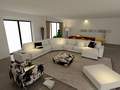
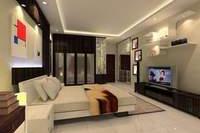
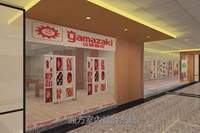
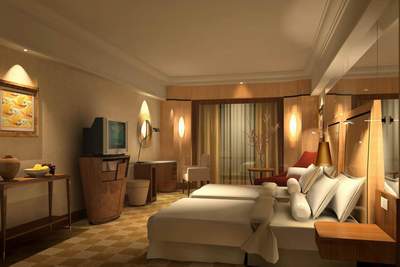
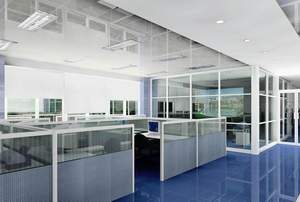
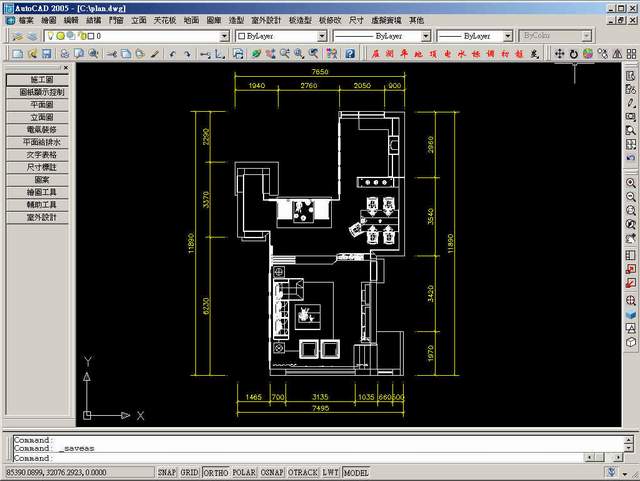
industry for working drawings, realistic 3D image presentations
in photos quality, and virtual walk through within a building.
It includes modeling tool and render engine as
the complete solution for many thousands of designers over the
world. Put your design concepts in the virtual environment before
actually building it. InteriCAD
can help you make your design ideas come true in an effective
way during any stage of your design process. It is also a powerful
communication tool to let you and your clients have a clear picture
on what is to be done without confusion.
The newest version InteriCAD
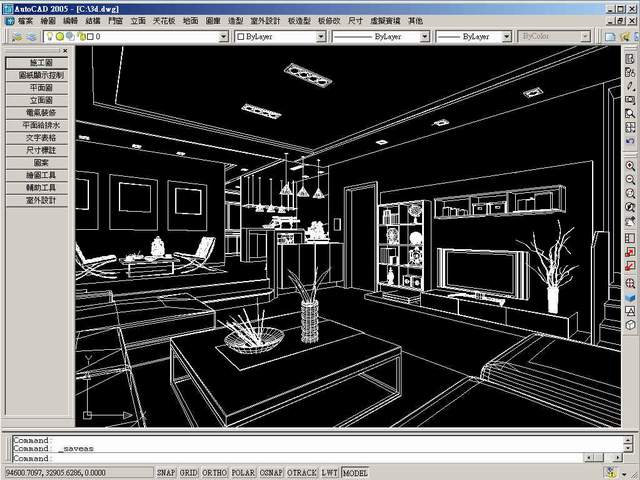
7000 allows you to create the residential design
in 10 minutes by using an intelligent modeling module, which can
convert 2D drawings to 3D models in seconds with just some mouse
clicks. The pre-customized design templates, made with your unique
style of look-and-feel, help to expedite the design process. The
new VR engine makes your life easier by providing quick and high
quality radiosity and ray trace effects.
A module for creating board furniture is included
in InteriCAD 7000
for easy model building. You don't need to know any 3D commands
but can easily create cabinets, office desks, etc. in some minutes.
The pre-set commands for drawers, doors, erect clapboard, shelf
clapboard, door board, etc. allow for forming cabinets of any
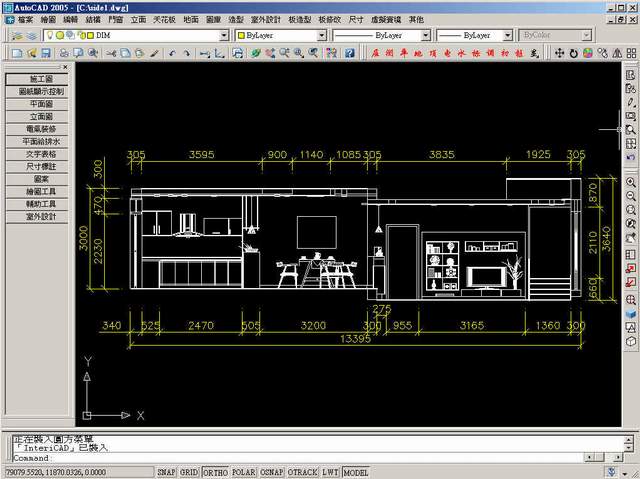
styles step-by-step. More than that, the elevation and section
drawing of cabinet can be exported directly in DWG format. Therefore,
concern is also made on edge seal segment design and detailed
dimensions during the design of board furniture.
Minimizes misunderstanding
with customers by providing the "real" outcomes before
the works done.
Modifies any drawings easily
without repeated works.
Creates your own furniture and
decoration of your needs.
Displays your furniture with
unlimited virtual show rooms.
What
can you do withInteriCAD?
View
your "ideal design" from any angles in JPG or BMP pictures.
Get the "real"
scene with 3D panoramic view.
Produce a virtual
walk through animation (AVI video).
Present photos with
3D look-and-feel by wearing 3D glasses.
Advantages
ofInteriCAD:
Easy-to-operate, the intuitive usage design
helps you learn it in about twenty hours.
Based on the AutoCAD® technology
with greatly simplified operation, you just need to learn the simple
technics of drawing lines and shapes for creating furniture and
3D models as you like.
Enables you to create any furniture models
and build up your own library for future use.
Assigns and adjusts different light effects
easily, e.g. sunlight, spot light, and general lighting to make
the realistic scene.
Allows the drag-and-drop move to change
the texture on any model. You can also include any pictures in JPG
of your own as the texture on any models.
Includes built-in design templates for
direct application, speeding up your design process. You can also
create as many as design templates of your own.
Provides the automatic settings to define
parameters of many materials for direct selection, e.g. wood, metal,
water, plastic, glass, wallpaper, cloth, etc. , simply select the
material you need and it is done.
Gets photos with radiosity and ray trace
in plan view, isometric view, elevation view, and perspective view
in 1 mouse click. You can also freely get any snapshot by using
fish-eye camera.
Outputs as many as photos in the same
scene by one command.
Comes with thousands of library models
for selection, saving your time.
It is compatible with 3D Max and AutoCAD®
models. You can import the drawing into InteriCAD for further modificatin and rendering.
Enrichs your design by getting the constantly
updated 3D models any time from the online 3D model store in low
price (approx. 1-5 dollars for each model and texture picture is
free of charge).
...... more
Hide
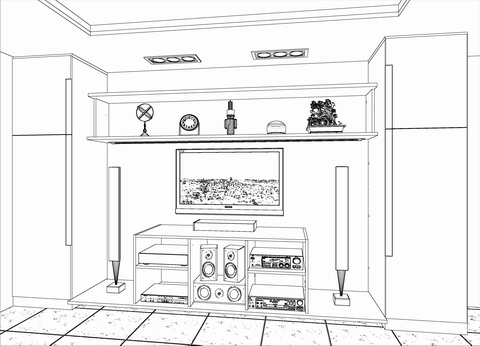
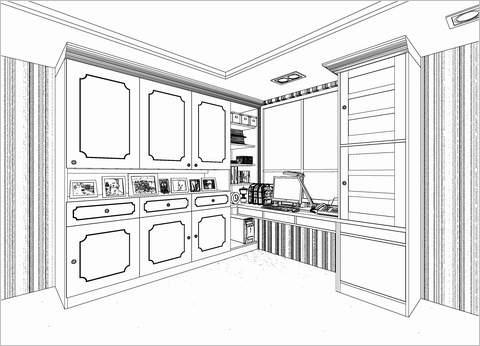
plot lines for any 2D and 3D views:
Hand-sketch like pictures (with or without texture pattern):
Geforce independent display card (AMD is also compatible)
HDD
4 GB (Additional 1 GB for swop disk)
Other
DVD ROM (for installation)
Remarks
1. Network version / network render would require stable performance of local network (connected with LAN cable)
2. Better configuration for Photon Map is required. (e.g. CPU: i5 / i7 with 4 cores or above)
3.
Performance will depend on the complexibility of file.